

A call in the first weeks of autumn
Rachel first rang us in early September. She coordinates a monthly broadcast from a parish hall on the south coast: a talk programme with a panel, a short music slot and a few pre-recorded items. Until then she had run it with four camera operators, all volunteers, and every month at least one of them had a clash or a cold. The show had gone out with a missing camera more than once.
What she wanted was modest. She did not need a bigger production, only a way to run the same four-camera show with two people she could rely on every time. She asked whether that was realistic for a hall with no control room, no dedicated cable runs and a stage that doubled as a tea station.
I went to see the hall the following week. I walked the room with her, noted where the power sockets were, where the panel would sit and where the light came in through the tall windows in the afternoon. It is the sort of visit that tells you more than any equipment list.
What the hall actually allowed
The hall had real limits. The floor was shared with a weekday playgroup, so nothing could stay rigged between shows. Cable runs had to be short and tidy, and the camera positions had to be repeatable within an hour of arrival. That ruled out anything that needed a long setup or a fresh calibration each month.
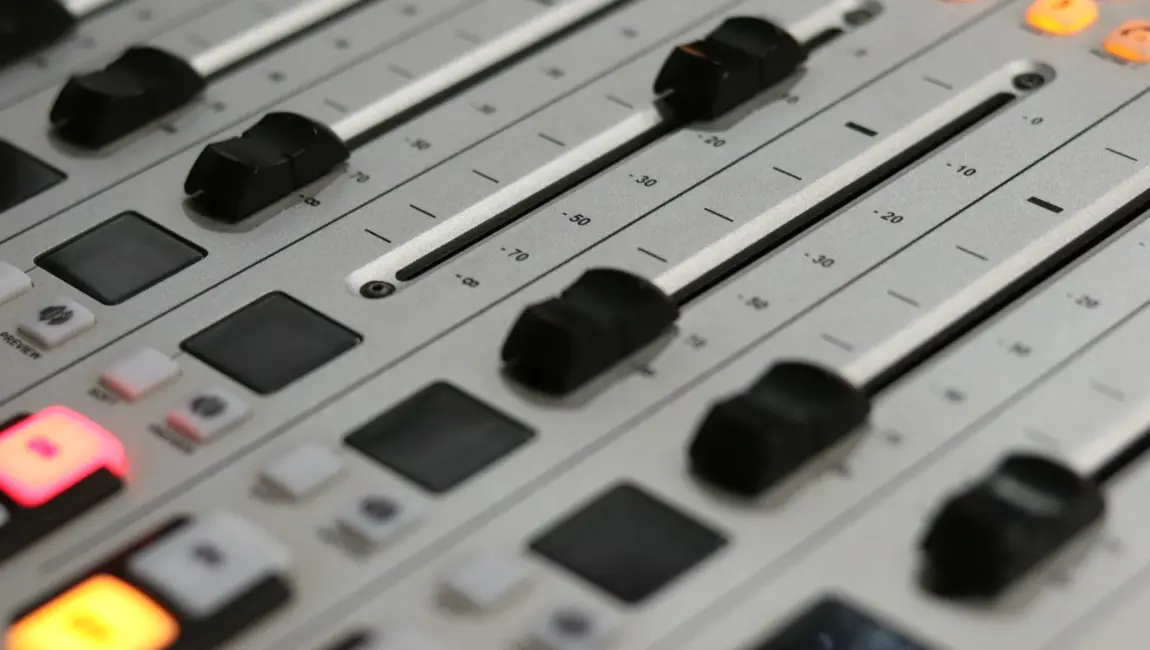
We settled on three remote camera heads on fixed stands, placed at marked positions on the floor, plus one handheld camera that Rachel's second volunteer could operate when needed. The heads were controlled from a single panel at the side of the stage. A compact vision mixer sat beside it, with the programme monitor and a small preview wall within one arm's reach.
The point was that one person could cut the show while the other managed the panel, the guests and the running order, without either of them leaving the desk.
- Marked floor positions for every camera stand
- Short, labelled cable runs to one control table
- A single control panel for all remote heads
Setting up the control panel for two people
Tom, our camera systems technician, spent most of an afternoon with Rachel and her colleague Imran at the control table. He did not begin with the buttons. He began with the show: where the panel sits, who speaks first, when the music slot starts and which camera each of those moments needs.
From that, he stored a set of camera positions on the control panel. One wide shot of the whole stage, one close on the presenter's chair, one two-shot for the panel, one for the guest speaking alone. Each had its own memory button, labelled in plain words rather than numbers.
Imran told us later that this was the part that made the difference. He had expected to learn a complicated desk. Instead he learned a short list of named shots, and the desk simply followed the conversation on the stage in front of him.
The first rehearsal and what went wrong
The first full rehearsal did not go smoothly, which is normal. One camera head drifted slightly after being nudged by a guest's chair, and the stored shot no longer framed the panel properly. Another time, Imran selected a camera that was still moving to its position and the move appeared on air for a second or two.
Neither problem was serious, and both were useful. We added a small floor marker for the chair, agreed a rule that a camera only gets cut to once its move has settled, and wrote a one-page checklist taped to the control table. Rachel added a line of her own at the top: check the hall heating before guests arrive, because the cold made people sit forward.
By the second rehearsal the show ran from start to finish without a visible fault, and the two of them finished the session looking relaxed rather than rushed.
- Floor markers for guest chairs
- Cut only when the camera has stopped moving
- One-page checklist kept at the control table
How the first live show went
The first live show was broadcast a few weeks later. Rachel told me she was nervous through the opening titles and then forgot to be. The panel discussion ran a little long, the music slot started late and a guest turned to answer a question from the audience, which nobody had planned for. The shots still followed the room, and the viewers saw a calm, well-framed programme.
Afterwards she sent a short note. The thing she noticed most was not the picture quality but the absence of calls between operators. Nobody was shouting across the hall to ask who had which camera. The two of them simply watched the stage, called the next shot and cut to it.
She also said that the volunteers who used to run cameras were relieved, not replaced: two of them now help with guest welcome and setting up the hall.
What I took from Rachel's project
Rachel's case is a good reminder of what camera control is for. It is not about having more equipment than the room needs. It is about taking the repeatable decisions, such as where a shot sits and what it is called, out of the live moment, so that the people running the show can pay attention to the people on the stage.
For a small crew, the work happens before the show. Stored positions, clear labels, a tidy desk and a short checklist matter more than any individual piece of kit. They also make the show easier to hand over, which matters when the people running it change from month to month.
If you are planning something similar, start by writing down the five or six shots your programme really needs, and build the system around those.
Rachel's monthly show still goes out from the same parish hall with the same two operators and four cameras. Nothing about it is grand, and that is the point. A small crew can run a multi-camera programme calmly when the shots are planned, named and stored before anyone goes on air. If your show has a similar shape, we are glad to talk it through with you.
Keep reading

Helen Marsh
Founder and Head of ProductionHelen has worked in studio and live production for over twenty years. She leads project planning and client work.